By late June, a parked truck in Whitesboro turns into an oven. The steering wheel is too hot to hold, the seat belt buckle stings, and the first block with the AC running feels like a mistake.
The Ford app can help with part of that. This post covers the features that matter when the temperature climbs, what your Ford needs in order to use them, and a few safety habits that go with remote start in the heat.
Quick answer: The Ford app can start many compatible Fords from your phone, so the AC can run before you get in. It can also lock the doors and show vehicle status. Features depend on the model, the model year and the connected services on your vehicle, so check what yours supports before you count on it.
What can the Ford app do in the summer?
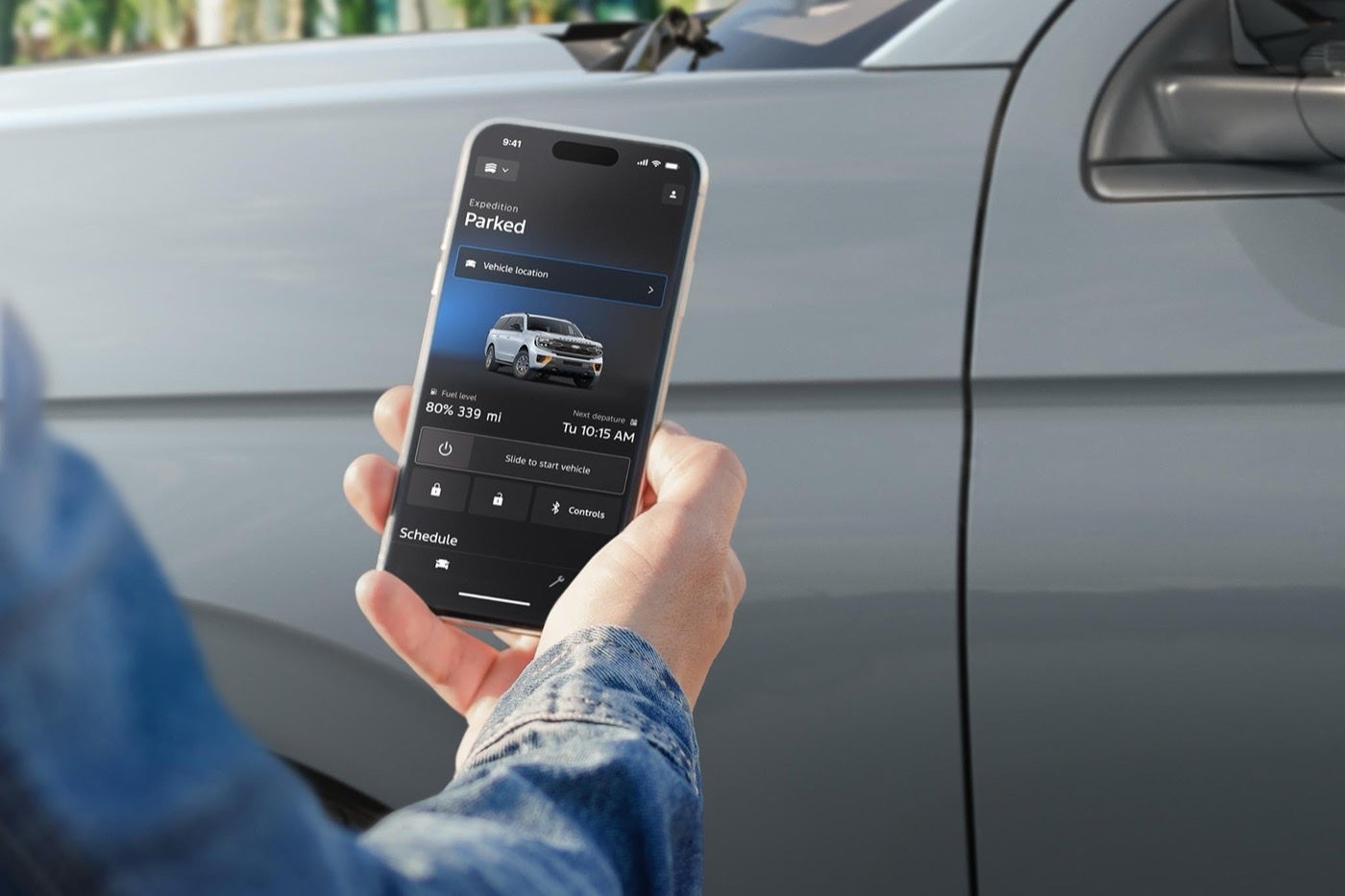
The headline feature is remote start. On a compatible Ford, you start the engine from your phone, set the climate and let the cabin cool while you finish dinner or walk out of the grocery store. The Ford app page lists the features and the vehicles that support them.
Remote door locks are handy too. You can confirm the doors are locked from across the parking lot, or let someone into the vehicle without handing over a key. Vehicle status gives you a quick look at fuel level, tire pressure and other basics.
Whitesboro driver tip
Check the settings once in spring. Choose your preferred cabin temperature and, if your Ford offers it, seat and steering wheel heat or cooling, so remote start works the way you like it every time.
Which Fords can use these features?
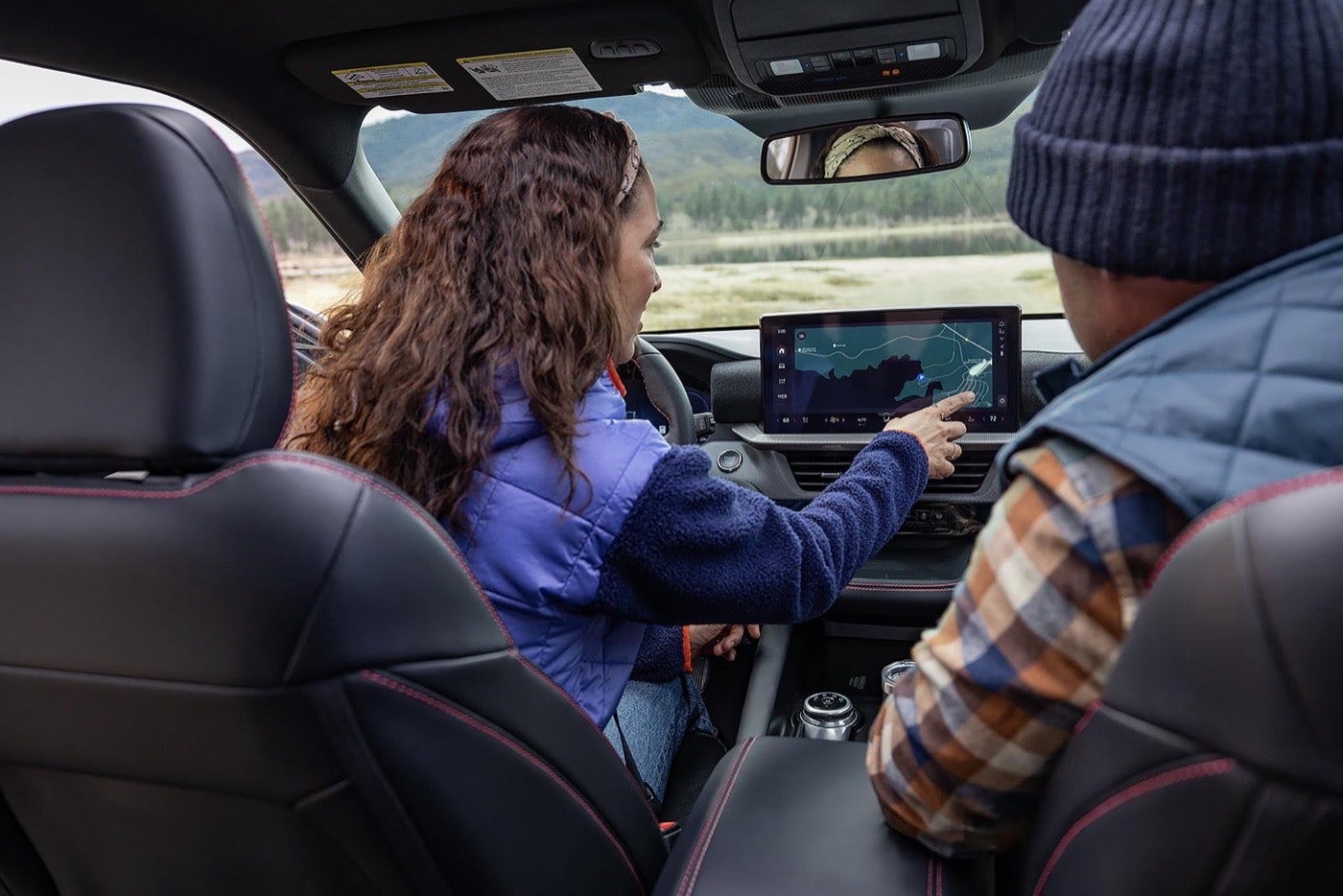
Not every Ford supports every feature. Compatibility depends on the model, the model year and the connected services on your vehicle. Newer models usually come with the hardware built in, and some older ones don't. The connected services page explains how the services work and what they need.
If you're shopping, ask which features the exact trim includes and how long any included service period runs. If you already own a Ford, ask the service team to look up what your vehicle supports. It takes a minute and saves the guesswork.
Is it safe to use remote start in the heat?
Remote start is a convenience, and it comes with common sense rules. Never use it as a reason to leave a child or a pet in a vehicle. A cabin can reach dangerous temperatures within minutes, and a system that shuts off after a set time won't protect anyone inside.
Never leave children or pets inside
Even with the engine running, a vehicle can fail or shut off. Take them with you.
Don't use it in a closed garage
Exhaust gases build up quickly. Back out before you run the engine.
Mind the fuel level
Idling uses gas. A low tank and a long remote start session don't mix.
Remote start is for whoever is coming back to the vehicle, never for anyone left inside. Keep that rule simple and you'll avoid the worst mistakes. The same goes for pets in the back of a truck cab, and for anyone who falls asleep in a parked vehicle at the lake.
Remote start is for whoever is coming back to the vehicle, never for anyone left inside.
How do you set up the Ford app and keep it working?
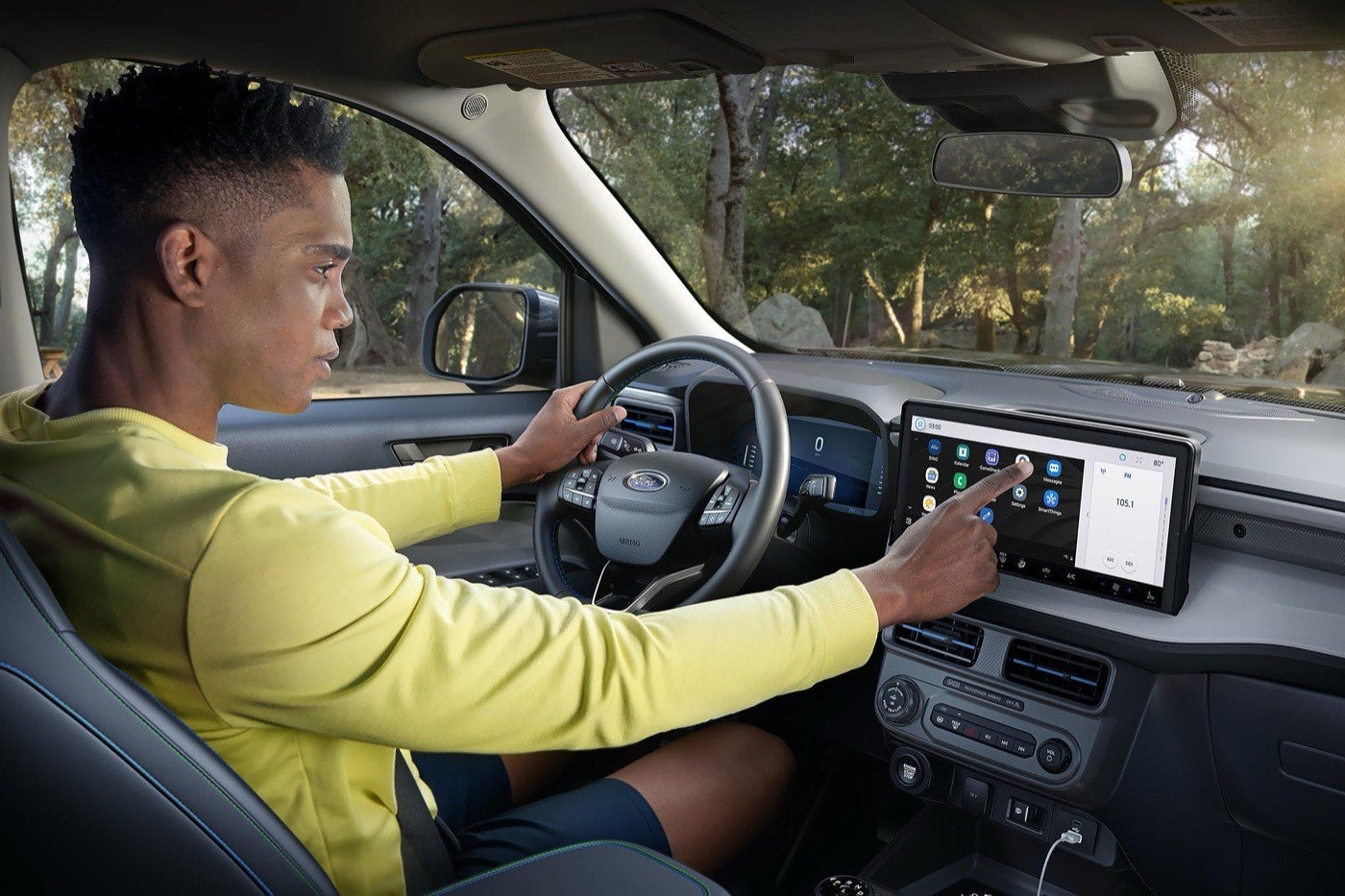
Download the Ford app
Install it on your phone and create or sign in to your account.
Add your vehicle
Follow the steps to connect your Ford with your account.
Check connected services
Confirm that your vehicle's services are active.
Set your preferences
Choose a cabin temperature and the options your Ford offers.
Test it at home
Try remote start in your driveway before you rely on it in a parking lot.
If the app can't reach your vehicle, the cause is often signal strength, the battery or a service that needs renewal. A parking garage with weak cell coverage will block it, and so will a weak battery. If you park in the same spot every day, test the app there once, so you know whether the signal holds.
Keep the app current, too. Updates add fixes and sometimes new features, and an old version can stop talking to the vehicle after a service change. Most phones can update apps automatically, which takes care of this without a reminder.
What if the app and your Ford stop talking?
Check the simple things first. Confirm that your phone has a signal, the app is up to date and the vehicle is in a place with coverage. Then check that the vehicle battery is healthy, since a weak battery can disable remote features to save power.
If that doesn't fix it, bring the vehicle in. The service team can check the connected modem, run software updates and see whether a service needs attention. Mobile Service lists software updates among its services, which may be an easy route for this kind of fix.
If your Ford needs an update or a check, Holiday Ford offers complimentary Ford Pickup & Delivery for service.
Complimentary at participating dealers. Availability and distance limits apply. Does not include parts or repair charges. A nonoperational vehicle is not eligible.
Learn About Pickup & DeliveryFord app and remote start questions
Getting started
What is the Ford app?
It's the app that connects your phone to a compatible Ford for remote features and vehicle information.
Does my Ford work with the app?
It depends on the model, year and connected services. The service team can look up your vehicle.
Is there a cost to use it?
Some features and service periods vary by vehicle. Ask the team about the terms for yours.
Remote start
How long will remote start run?
It runs for a set time that depends on the vehicle, then shuts off. Check your owner manual for yours.
Can I set the temperature?
Yes, on vehicles that support it. Set your preferences in the app.
Does remote start work in a garage?
Don't run an engine in a closed garage. Back out first.
Safety and heat
Is it safe to leave a child in a car with the AC running?
No. Vehicles can shut off or fail, and temperatures climb fast. Never leave a child or a pet inside.
Does idling hurt my Ford?
Short remote start sessions are normal. Watch the fuel level, though.
Will remote start drain my battery?
A healthy battery handles it. A weak one may not, so get it tested.
Troubleshooting
Why won't the app connect to my Ford?
Common causes are weak signal, an outdated app, a weak battery or a service that needs renewal.
Can the shop update my software?
Yes. Mobile Service lists software updates, and the shop can do them too.
How do I reset the connection?
Sign out and back in, then check your vehicle in the app. If that fails, contact the service team.
Shopping and visiting
Which new Fords include connected features?
Newer models usually do. Ask for the details on the exact trim.
Can I see the features on a test drive?
Yes. Ask the sales team to walk you through the app.
Where is Holiday Ford?
We're at 1003 US 82 in Whitesboro, Texas, near Sherman, Denison and Gainesville.